
scriptree-demos
Example tool catalog: working demos of ScripTree GUI patterns.
- Commits
- 22
- Stars
- 1
- Created
- April 25, 2026
A public catalog of working ScripTree tool examples. Browse, read the definitions, and run them. The tools wrap common CLIs (bat, fd, dog, eza, dust, hyperfine, sed, awk, parfit, gh) with labeled forms so you can see how ScripTree parses arguments and builds UI from them.
This is how developers learn the .scriptree format and the authoring workflow. Instead of reading a spec, you clone the repo, explore the catalog, run a tool, look at its definition, and change it. 22 commits of real, runnable demonstrations.
Learning by example
Every ScripTree GUI pattern is represented: basic text input, file pickers, dropdowns, checkboxes, multi-tab layouts, named configurations, and help text. Pick a demo, run it, look at its .scriptree definition (100–200 lines of JSON), and understand how the form was built from the CLI’s help text.
Real tools, intentionally simple
The examples wrap real, public CLIs — bat, fd, eza, dust, hyperfine, sed, awk, dog, agg, parfit, gh, plus an MS Office set and a feature-showcase teaching demo — chosen for their clear, learnable argument structure. Not for breadth, but for clarity. Each tool demonstrates a different UI pattern without overwhelming the reader with complexity.
Screenshots auto-generated
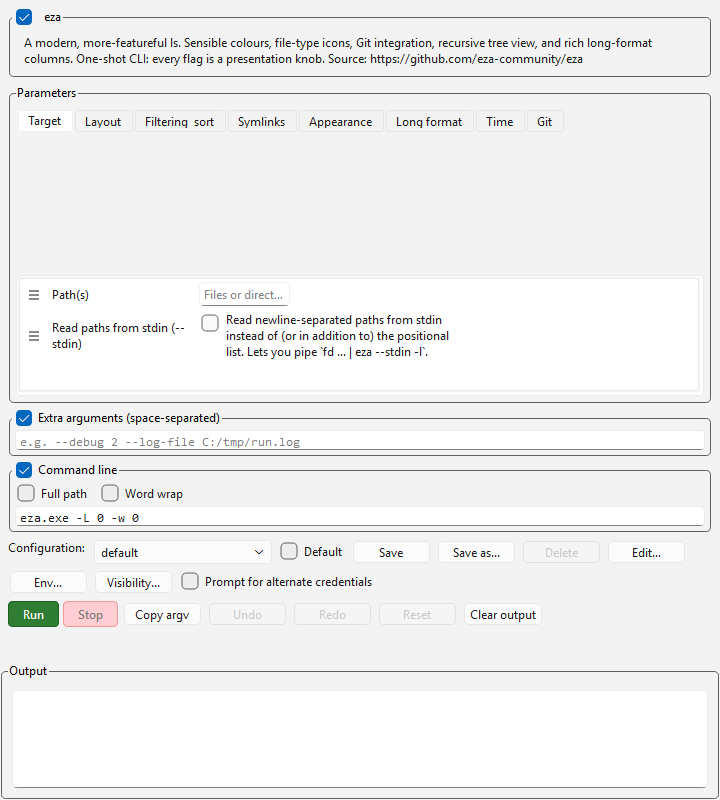
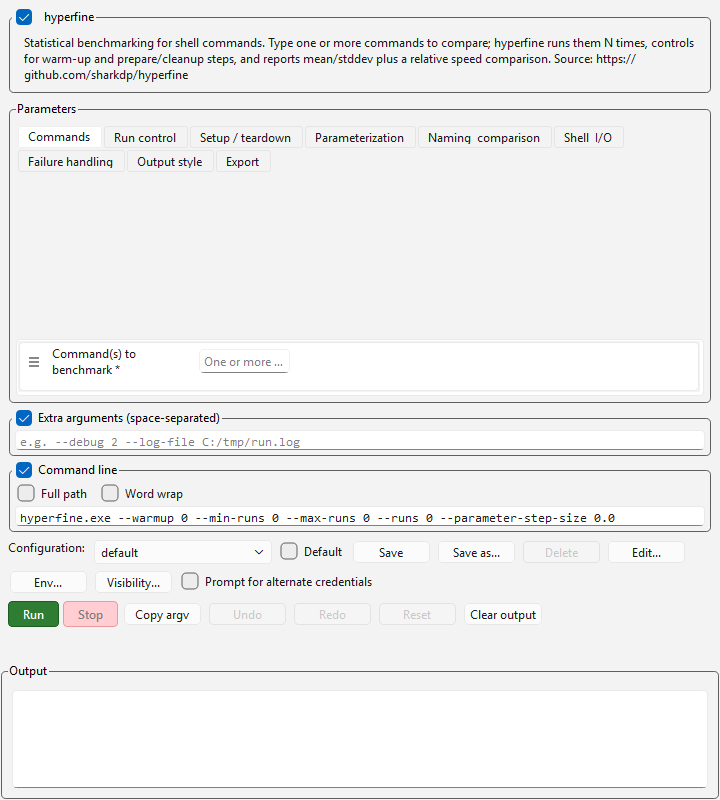
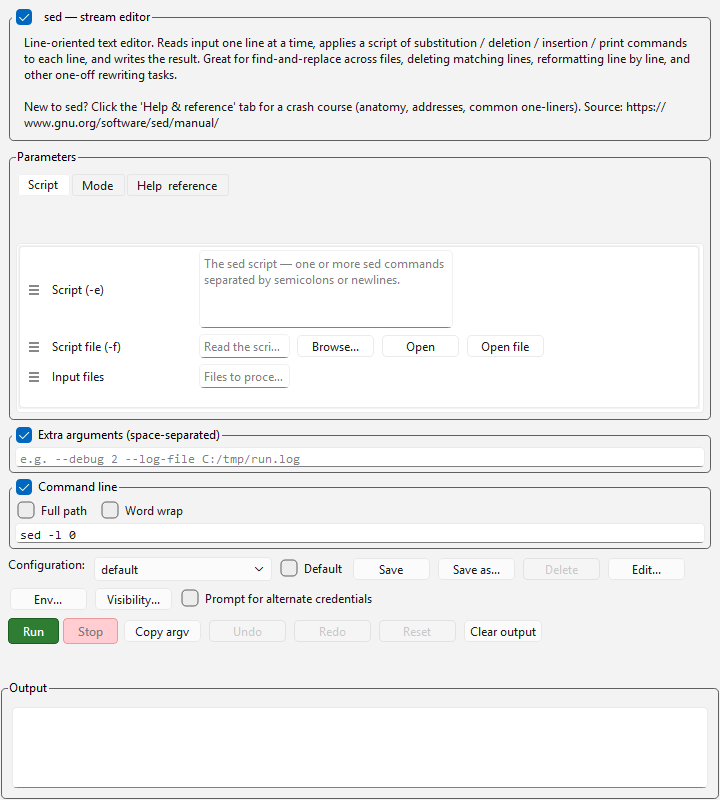
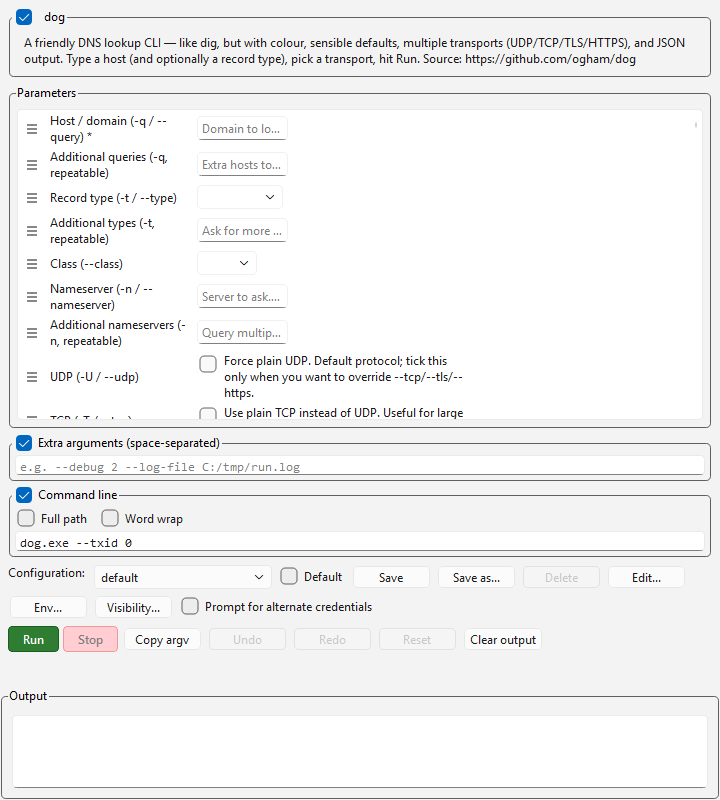
The gallery on scriptree.org renders preview screenshots from these demos (generated headless via ScripTree’s screenshot tool, no manual artwork). Every screenshot is a real rendering of a real form, run without displaying a window on the desktop.
Screenshots
Where this stands
Better at
- Shows working examples of every ScripTree GUI pattern: argument parsing, field types, multi-tab layouts, configurations, and help text integration.
- Open-source definitions you can copy, read, modify, and adapt for your own tools—learning by example rather than spec.
- All examples wrap real, functional tools — bat, fd, eza, dust, dog, hyperfine, sed, awk, agg, parfit, gh, plus an MS Office set — so every pattern shown is one that actually runs.
Worse at
- This is a catalogue of examples, not a product; the tools themselves (bat, fd, etc.) are chosen for simplicity to stay learnable, not breadth.
- 22 commits; deliberately kept small so new developers can read and understand every pattern without overwhelming examples.
Pick something else when…
- General code-example repositories or documentation-only tutorialsYou prefer reading documentation or following written guides instead of examining working code.